Installation and configuration of virtual machine - Step 10
4. Enter the password to elevate privileges to the superuser.
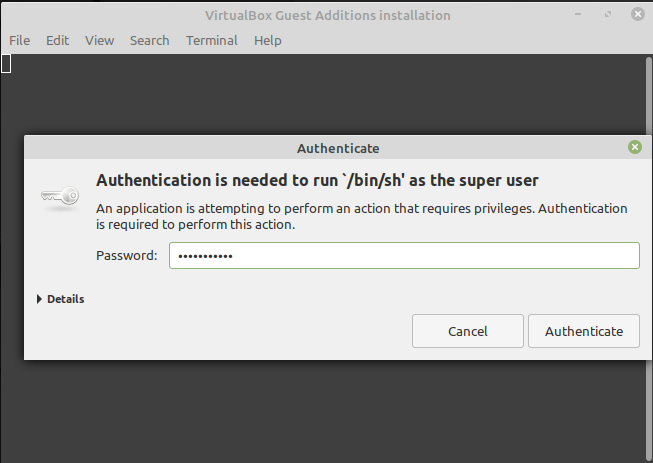
Entering the password.
5. After successful installation, the terminal window will print output similar to the following, which you can close by pressing Enter and then rebooting the virtual machine.
|
Verifying archive integrity... All good. Uncompressing VirtualBox 6.1.18 Guest Additions for Linux........ VirtualBox Guest Additions installer Copying additional installer modules ... Installing additional modules ... VirtualBox Guest Additions: Starting. VirtualBox Guest Additions: Building the VirtualBox Guest Additions kernel modules. This may take a while. VirtualBox Guest Additions: To build modules for other installed kernels, run VirtualBox Guest Additions: /sbin/rcvboxadd quicksetup <version> VirtualBox Guest Additions: or VirtualBox Guest Additions: /sbin/rcvboxadd quicksetup all VirtualBox Guest Additions: Building the modules for kernel 5.4.0-91-generic.update-initramfs: Generating /boot/initrd.img-5.4.0-91-generic VirtualBox Guest Additions: Running kernel modules will not be replaced until the system is restarted Press Return to close this window... |
|---|