Other types of virtualization.
Application Virtualization
Application virtualization improves application security and compatibility by encapsulating them and isolating them from the underlying operating system on which they run. A fully virtualized application is not installed on hardware in the traditional sense. Instead, the hypervisor layer intercepts the running application which behaves as if it were connected to the original operating system and all the resources it manages, when in fact it is not.
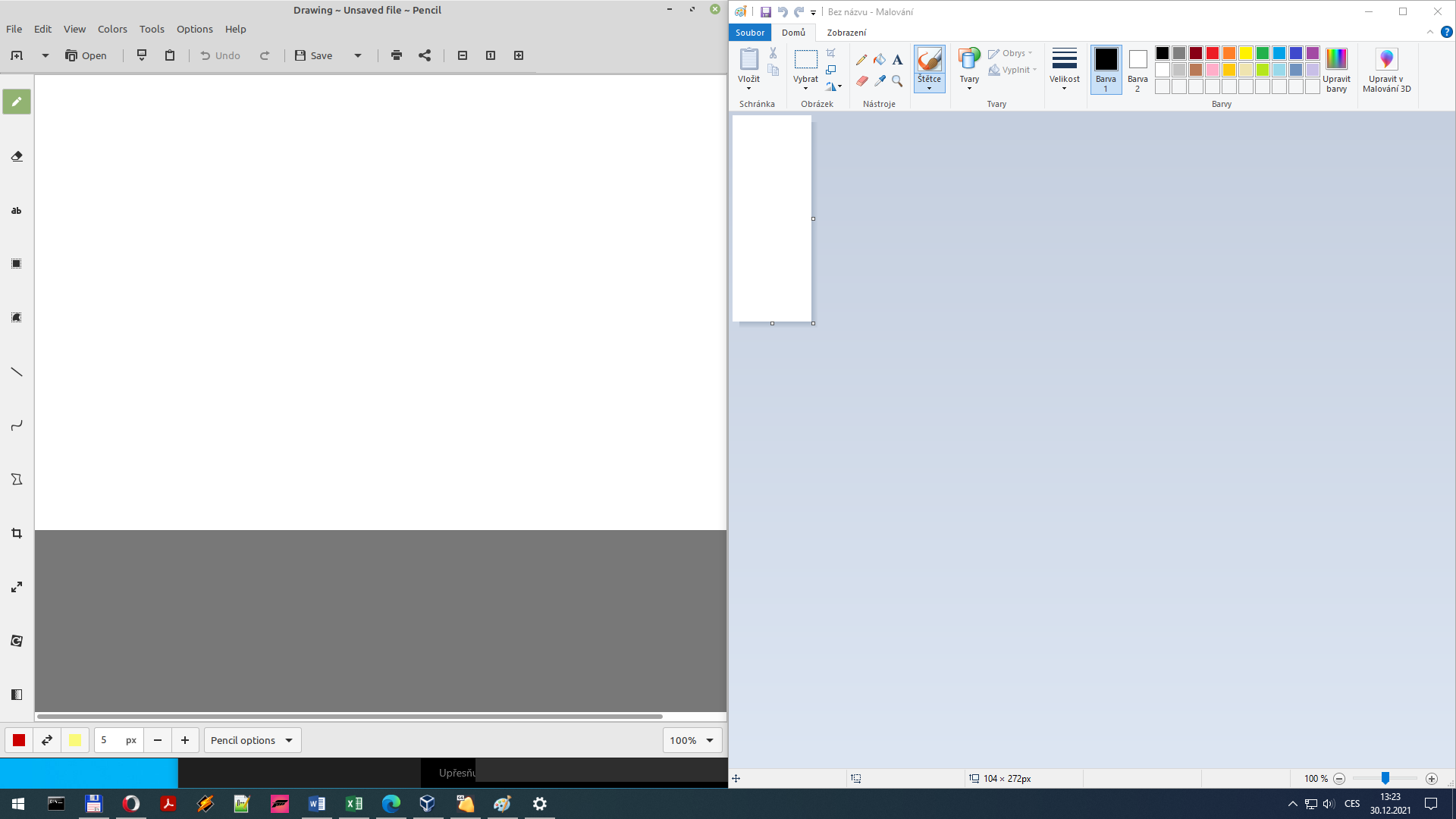
Virtualized Linux Drawing and Windows Painting running together on Windows
User virtualization
User virtualization separates all the software aspects that define a user's personalization on the device from the operating system and applications to be managed independently and applied to the desktop as needed without the requirement for scripting, group policies, or the use of travel profiles. User virtualization can be used regardless of platform - physical, virtual, cloud, etc. The major desktop virtualization platform vendors, Citrix, Microsoft, and VMware, offer some form of basic user virtualization in their platforms.
Local desktop virtualization
Local desktop virtualization implementations run the desktop operating system environment on the client device using hardware virtualization or emulation. Both type 1 and type 2 hypervisors can be used for hardware virtualization, depending on the implementation.
Local desktop virtualization is suitable for environments where continuous network connectivity cannot be guaranteed and where application resource requirements can be better met by local system resources. However, local desktop virtualization implementations do not always allow applications developed for one system architecture to run on another (incompatible) one. For example, it's possible to use local desktop virtualization to run Windows family systems on OS X on an Intel-based Apple Mac using a hypervisor such as VirtualBox, Thincast Workstation, Parallels Desktop for Mac, or VMware Fusion because they both use the same x86 architecture.